FDIC-Insured · Backed by the full faith and credit of the U.S. Government

State Bank & Insurance is a family-owned community bank and independent insurance agency serving Spencer, Everly and Peterson, Iowa. Since 1980, we've helped northwest Iowa families, farmers and businesses with checking and savings, ag and business loans, mortgages, and home, auto, farm, business, life and health insurance. We are YOUR local insurance agency,
Serving Iowa
One community
Locally owned
"
I needed my operating line approved before planting. My banker knew my farm, so the answer came in two days, not two weeks. That's State Bank.

From personal banking to agricultural lending, commercial services, and insurance, we’re here for every stage of your financial journey - backed by a local team that knows you by name.
Everyday accounts, savings that actually grow, and a debit card backed by 24/7 fraud monitoring. Same banker, year after year, account after account.
Operating lines that flex with planting and harvest. Equipment, livestock, real estate. Treasury services that scale with your shop. Decisions in days, not weeks.
Buying, building, refinancing, or tapping equity. Pre-approval in 24 hours, in-house underwriting, and a lender who picks up the phone when you call.
For more than four decades, we have remained family-owned. We've stood by our customers through good years and hard years, through harvests, flooding, and changing times. Our goal hasn't changed since 1980: to support the families, farms, and business that make our communities strong.
We are grateful for every customer who comes through our doors and for the communities of Spencer, Everly, and Peterson. Thank you for choosing State Bank
Put your savings to work with a Certificate of Deposit. Choose from a variety of term options and enjoy a guaranteed return with the security of knowing exactly what to expect.
Free checking, mobile deposit, debit card, and zero surprise fees.
Tax-advantaged HSA accounts for individuals and families.
Competitive rates and local decisions
Tap your home's value for renovations, tuition, or debt consolidation, at rates well below credit cards.
Or stop by any of our three locations.
Insurance from people you know.
Every family, farm and business is different, so our agents take time to understand what you need to protect. As an independent agency, we can compare coverage from a range of insurance companies and walk you through the choices in plain language. When something changes, or when you need to file a claim, our local team is here to help.
Carriers compared
Quote turnaround
Local agents
Dwelling, contents, liability, umbrella.
Operation, equipment, livestock, crop hail.
Cars, trucks, boats, RVs, ATVs.
Commercial property, liability, group, term & whole life.

★★★★★
Spencer, Iowa
★★★★★
Nolan Hauge Farms · Spencer, Iowa
★★★★★
Spencer, Iowa
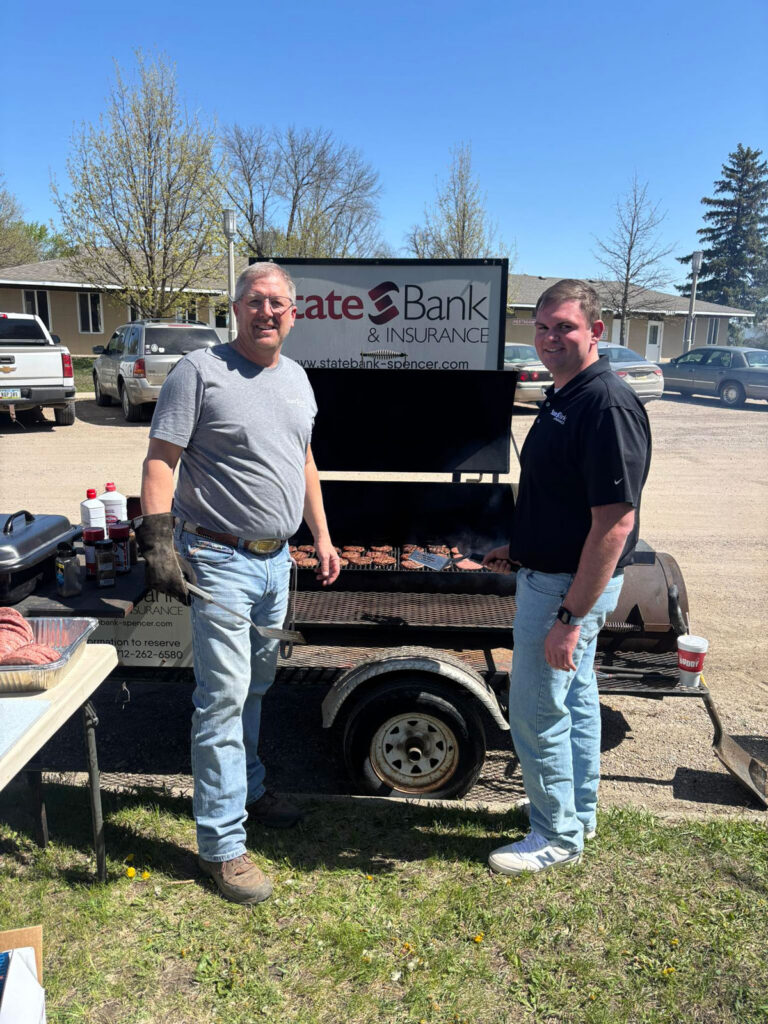

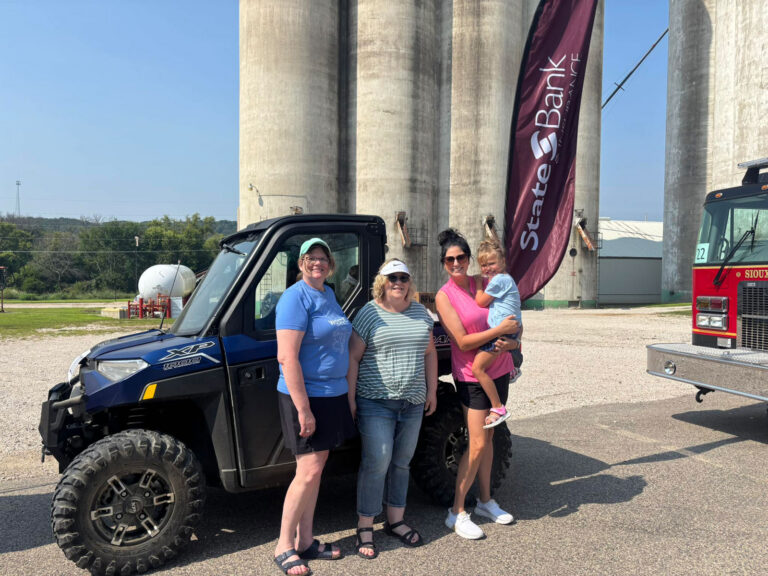
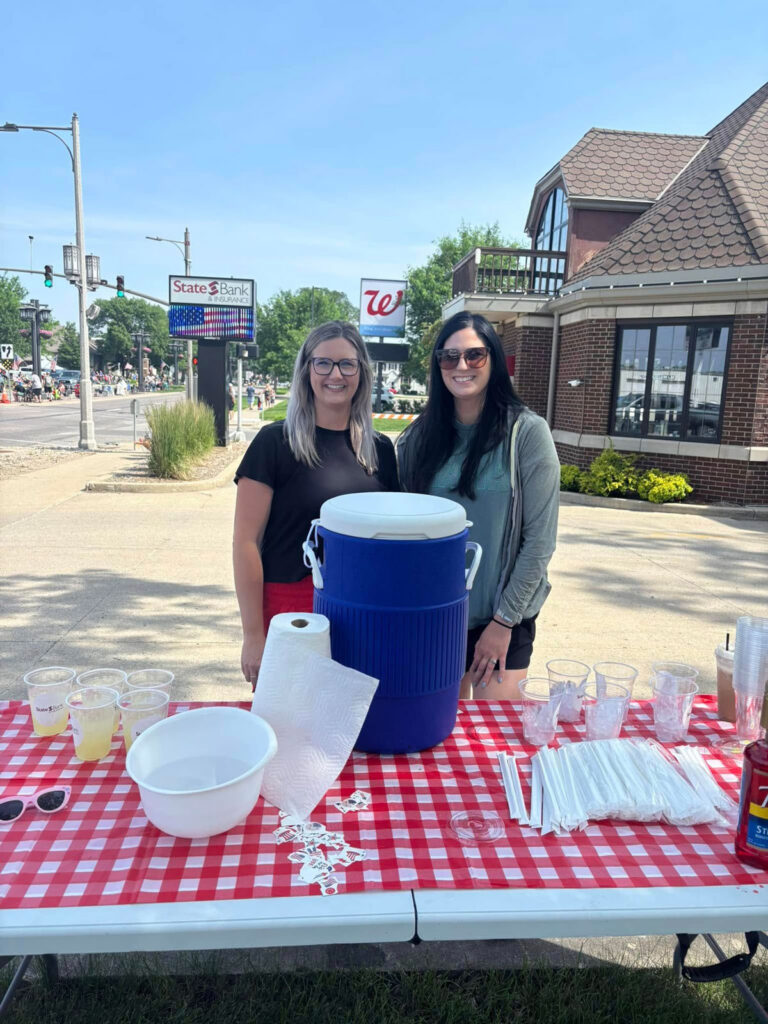
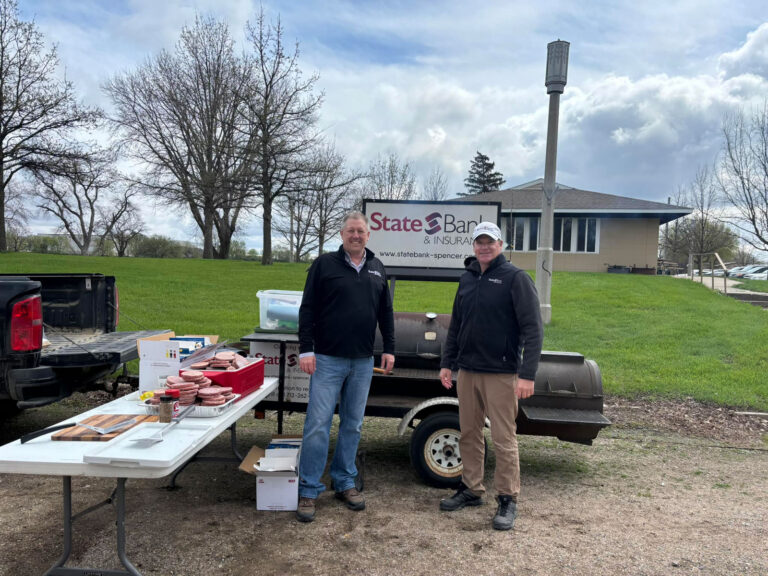
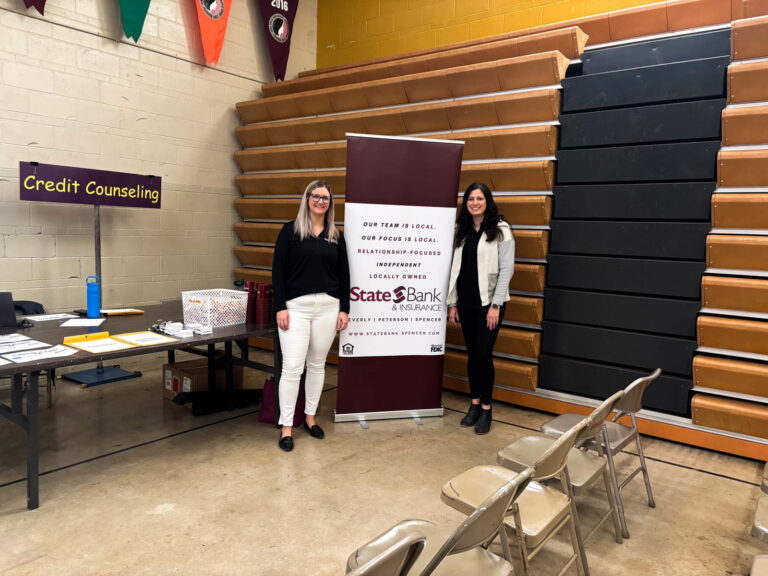
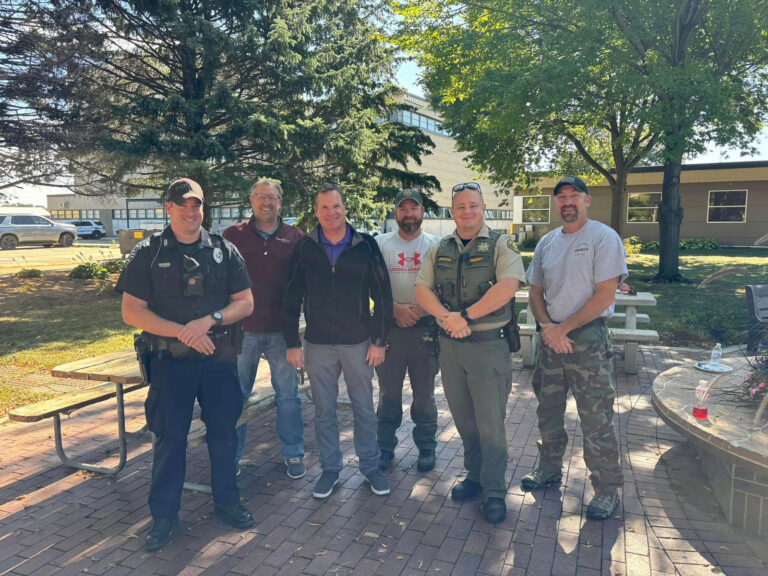
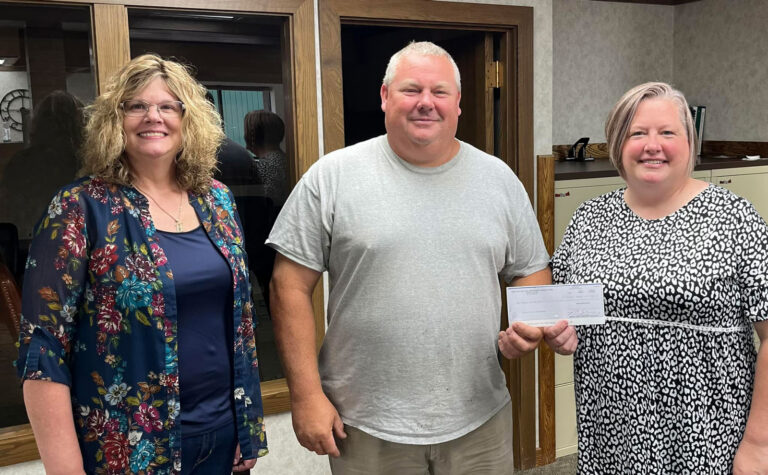
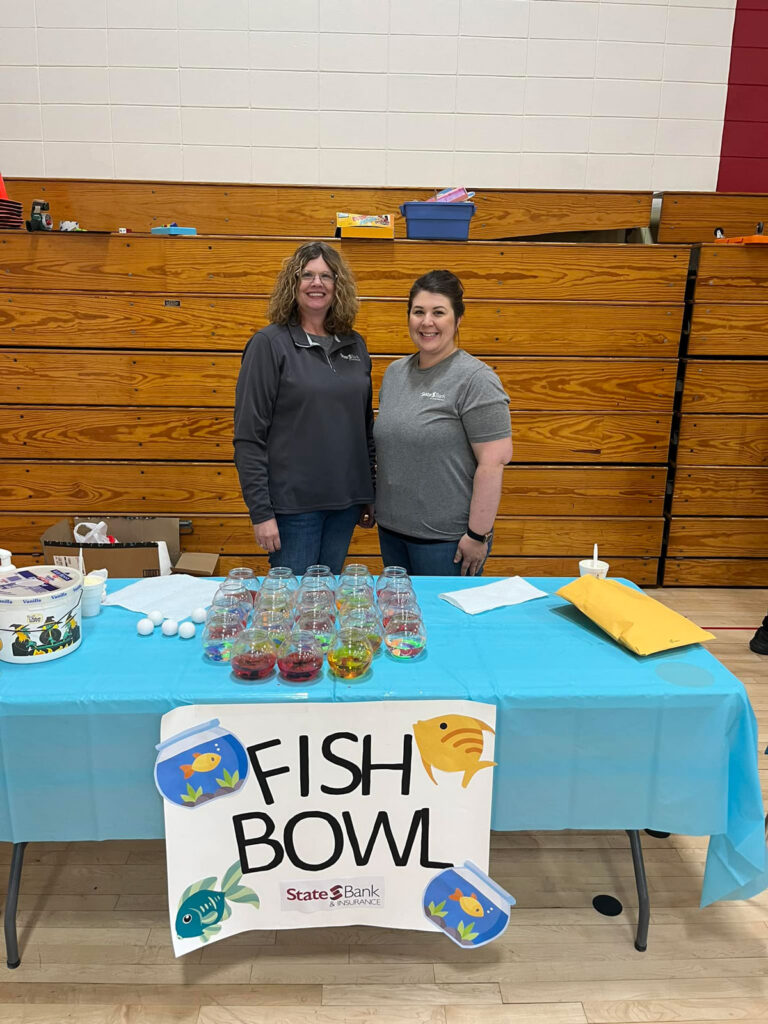
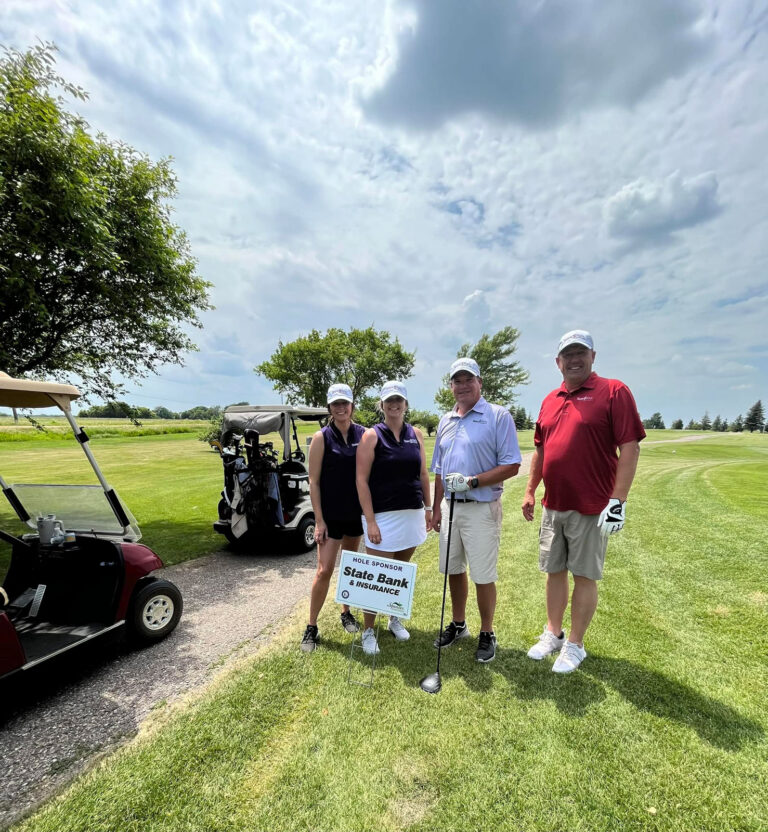
We are proud to serve Spencer, Everly, and Peterson. Stop by any of our locations to meet our team. We are always here to help!
Open an account in just minutes. Schedule time with a lender.